If you're running a retail operation in Brunswick, Ohio, you've probably wondered whether an iPad POS system or dedicated hardware is the better choice. The honest answer? It depends on your specific needs, but there are some real differences worth understanding before you commit. In this post, we'll walk through the key considerations so you can make the right call for your business.
The Flexibility Factor: iPad POS Systems
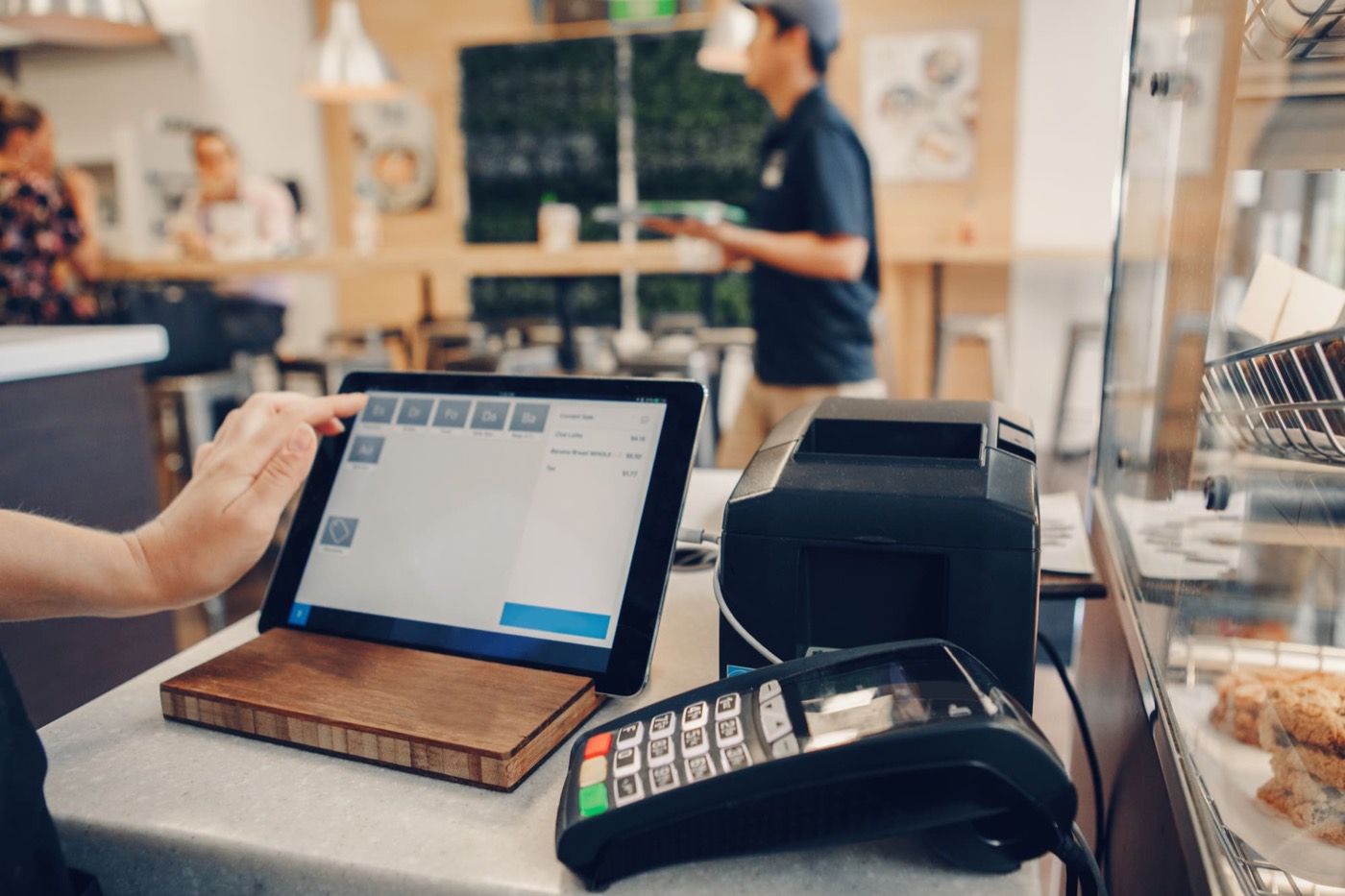
iPad POS solutions have become incredibly popular because they're flexible and often feel more modern. You can use your own iPad, set up stations anywhere in your store, and switch between devices without much hassle. If your retail layout changes or you host pop-up events, this adaptability is genuinely valuable.
The downside? iPads are consumer devices, not purpose-built for retail environments. They can overheat during busy shifts, battery life matters in ways it shouldn't, and you're dependent on constant software updates from Apple. If your internet goes down, many iPad solutions struggle more than you'd expect. There's also the question of durability—an iPad taking a tumble off a checkout counter isn't ideal.
The Reliability Case for Dedicated Hardware
A dedicated POS terminal is purpose-engineered for retail. It's built to run all day without throttling, handles power surges better, and doesn't rely on your internet connection the same way an iPad does. When you choose a POS system for small business in Brunswick, OH, you're investing in hardware designed specifically to support your checkout process.
Dedicated terminals also integrate more seamlessly with printers, barcode scanners, and other peripherals you might already own. Setup is more straightforward because everything is optimized to work together. If something goes wrong, you have dedicated support for the entire system—not a finger-pointing situation between Apple, your POS software company, and your internet provider.
Questions to Ask Before You Decide
When evaluating iPad POS versus dedicated hardware, ask yourself these critical questions:
- How many transactions daily do you process? High-volume retailers often benefit from dedicated hardware's stability.
- What's your internet reliability like? If you experience frequent outages, dedicated systems with offline capability matter more.
- Do you need portability? If you're taking payments throughout a large space or doing events, iPad flexibility has real value.
- What's your budget for upgrades? Dedicated hardware requires less frequent replacement, while iPad models cycle faster.
- Who provides technical support? Can you reach someone when things break, or are you troubleshooting alone?
Red Flags to Avoid
Whether you're considering iPad POS or dedicated hardware, watch out for vendors who don't explain offline functionality clearly. You should know exactly what happens to your business if connectivity drops. Also be cautious of systems requiring expensive proprietary hardware or charging per device—these models can get costly quickly when you want to add terminals later.
Don't settle for vague promises about "cloud-based" solutions either. Ask specifically how your data syncs, where it's stored, and what happens during the sync process. Any reputable provider should answer these directly. If they dodge the question, that's a red flag.
Credentials and Compatibility Matter
Verify that whatever system you choose is actually certified to handle payment processing securely. Look for PCI compliance documentation and ask how often security updates roll out. For dedicated hardware, check whether it's compatible with the software you want to use—sometimes vendors lock you into their ecosystem, which limits your flexibility down the road.
Q: Can I start with an iPad POS and upgrade to dedicated hardware later?A: Yes, but it's cleaner if you plan ahead. Make sure your software provider supports both, and understand how you'll migrate customer data, sales history, and settings when you switch.
Q: Is iPad POS cheaper than dedicated hardware?A: Upfront costs might be lower, but factor in software subscriptions, device replacement cycles, and potential productivity losses during outages. Total cost of ownership often tells a different story than the initial price tag.
Q: What if I need both—an iPad at one register and hardware at another?A: Many businesses do this successfully. Dedicated systems can handle your main checkout while iPad terminals serve secondary stations or mobile needs. Just make sure your backend software syncs everything properly.
Q: How do I know if my current internet can handle a POS system?A: Ask your provider about upload and download speeds, as well as uptime guarantees. Most POS systems need solid bandwidth, but the real question is consistency—occasional dips matter more than peak speeds.
Ready to find the right POS setup for your Brunswick retail operation? Contact William R. Anderson Jr NRS Authorized Distributor today to discuss whether iPad POS or dedicated hardware makes sense for your business. We'll help you understand what you actually need and avoid costly mistakes.
Questions about your setup?
Call and get Bill, not a call center.